> For the complete documentation index, see [llms.txt](https://doc.faceplugin.com/llms.txt). Markdown versions of documentation pages are available by appending `.md` to page URLs; this page is available as [Markdown](https://doc.faceplugin.com/products/face-recognition-sdk/liveness-detection-sdk/mobile-sdk/liveness-detection-ios-sdk.md).
# iOS
Faceplugin Face Liveness Detection iOS SDK. On-premise PAD against photos, screens, masks, and deepfakes. Xcode frameworks, setActivation, initSDK, detectImage.
Fully on-premise **Face Liveness SDK for iOS**. Native class: `FaceLivenessSDK`.
| What | Id |
| ------------------------------------------------ | ----------------------------------------------- |
| iOS demo app (Xcode `PRODUCT_BUNDLE_IDENTIFIER`) | `com.faceplugin.faceliveness.app` |
| Android demo package name | `com.faceplugin.faceliveness` |
| SDK class / framework | `FaceLivenessSDK` in `facelivenessdk.framework` |
Keep the iOS demo bundle **`com.faceplugin.faceliveness.app`** so the included license works. Request a new license key if you change it.
### Code
{% embed url="" %}
### Setup
1. Unzip the frameworks from [Google Drive](https://drive.google.com/drive/folders/1HzREOmFg9kBLbuso1e57j8Hk5Jk41kyr): `facelivenessdk.framework`, `FaceLivenessEngine.framework`, `onnxruntime.framework`.
2. Add the SDK frameworks to the project in Xcode (**Embed & Sign**).
3. Add `FaceLivenessSDK-Bridging-Header.h` to Build Settings.
Status codes: **0** Success, **1** Invalid license, **2** Expired, **3** Not activated, **4** Init failed.
### APIs
#### setActivation: This API is used to activate the SDK
```objectivec
+(int)setActivation:(NSString*)license;
```
| **Input** | - license (NSString\*): The license string (
license key)
|
| ---------------- | ---------------------------------------------------------------------------------------------------------------------------------------------------------------- |
| **Return value** | The SDK activation status code.
- 0: Success
- 1: Invalid license
- 2: Expired
- 3: Not activated
- 4: Init failed
|
#### initSDK: This API is used to initialize the SDK
```objectivec
+(int)initSDK;
```
#### getMachineCode: This API is used to retrieve the machine code
```objectivec
+(NSString*)getMachineCode;
```
#### getLicenseStatus: This API is used to read license status
```objectivec
+(NSString*)getLicenseStatus;
+(BOOL)allowsLiveness;
+(NSString*)lastLicenseError;
```
#### detectImage: This API is used to detect faces and determine if the faces are real or fake
```objectivec
+(NSString*)detectImage:(UIImage*)image crop:(BOOL)crop flags:(int)flags;
```
| **Input** | - image (UIImage\*): The input image
|
| ---------------- | --------------------------------------------------------------------- |
| **Return value** | JSON string with detected faces and liveness scores. |
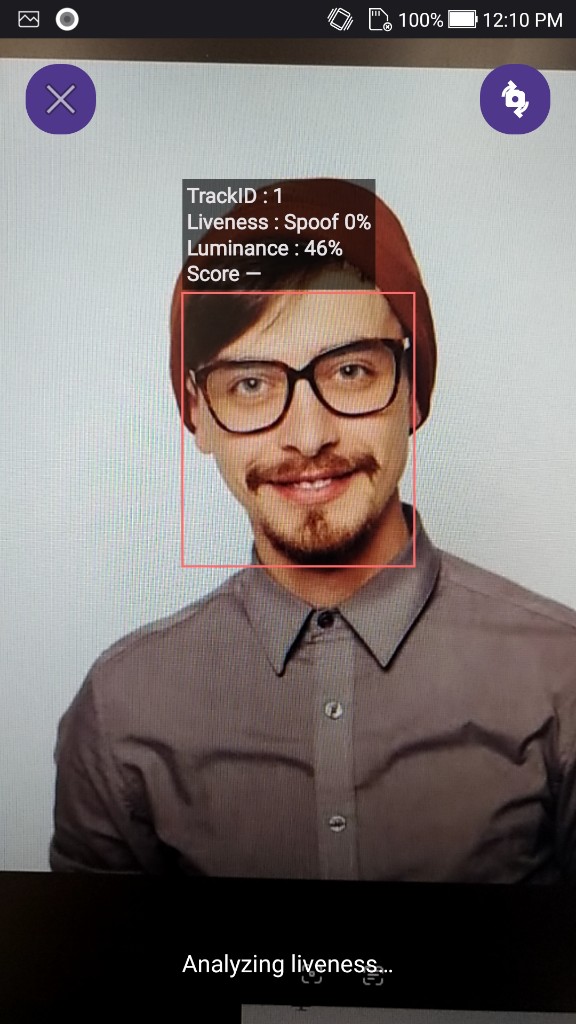
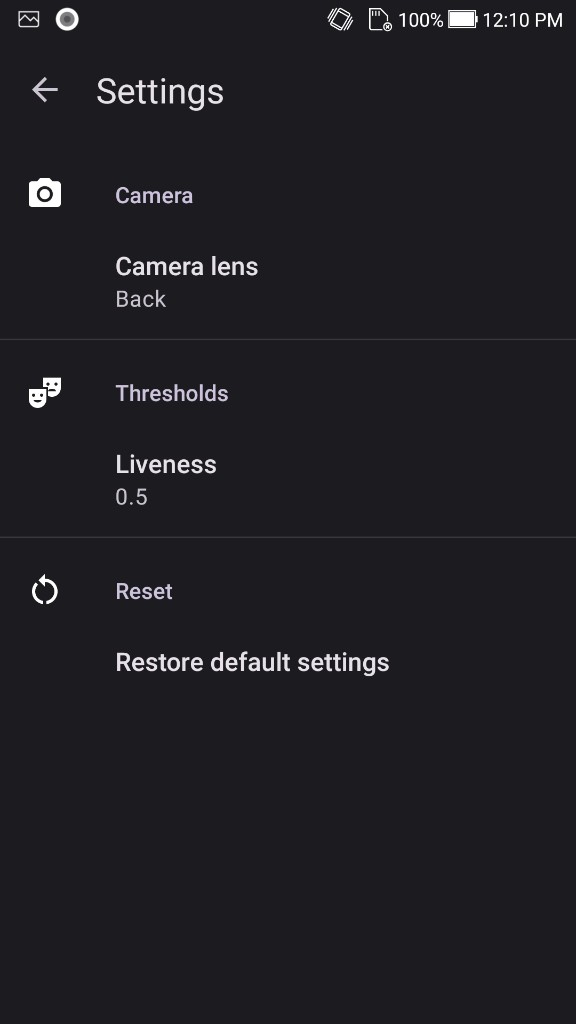
The liveness score ranges from 0.0 to 1.0. If it's greater than the threshold, it's real face. Demo default threshold is **0.5**.
#### VideoWorker: This API is used for the live camera HUD
```objectivec
+(int)startVideoWorkerWithMatchThreshold:(float)threshold;
+(int)addVideoWorkerFrame:(UIImage*)image;
+(int)addVideoWorkerSampleBuffer:(CMSampleBufferRef)sampleBuffer;
+(void)stopVideoWorker;
```
The liveness demo does **not** enroll a match database.
#### deinitSDK: This API is used to unload the engine
```objectivec
+(int)deinitSDK;
```
### Run the demo
1. Place `facelivenessdk`, `FaceLivenessEngine`, and `onnxruntime` frameworks (see Setup).
2. Keep the Xcode bundle id **`com.faceplugin.faceliveness.app`**.
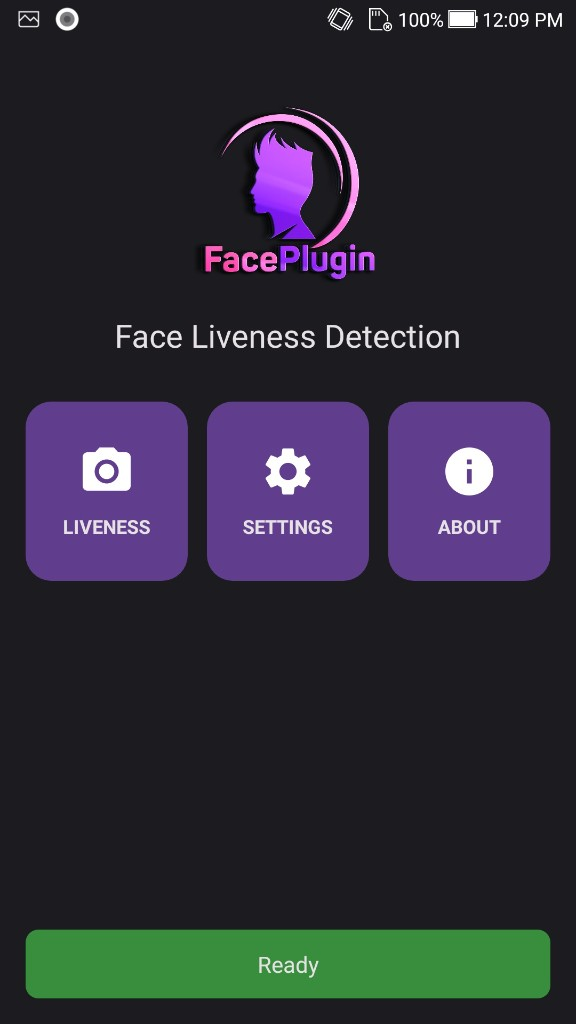
3. Run on a **physical** iPhone. Home tiles: **Liveness**, Settings, About. The demo does **not** enroll a match database.
### Screenshots
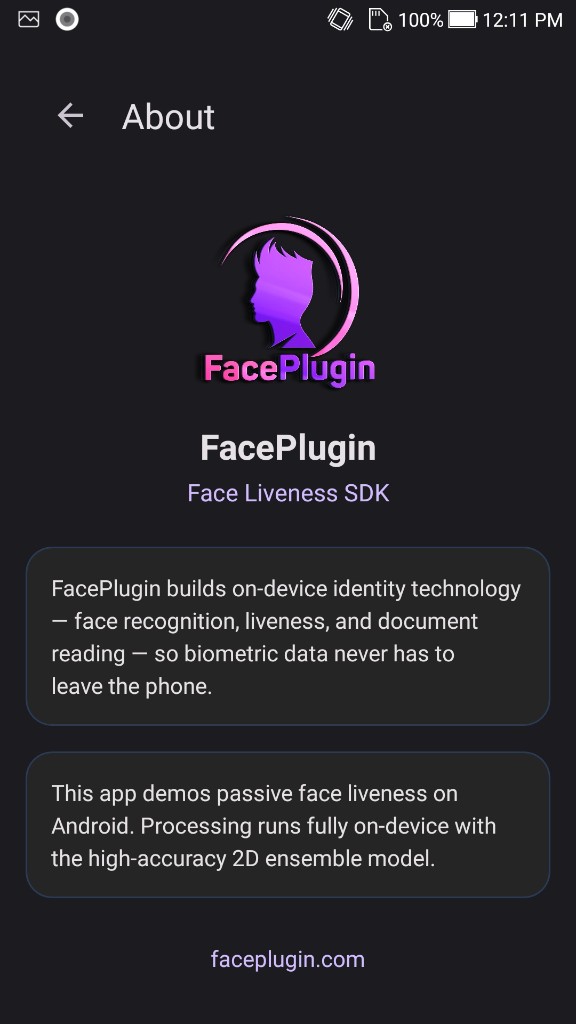
Sample demo UI from `faceplugin-assets` (`face-liveness/mobile/`). Not a dedicated iOS photoshoot.
| Home | Liveness | Settings | About |
| --------------------------------------------------------------------------------------------------------------------------------------------------------------------------------------------------------------------------------------------------------------------- | ------------------------------------------------------------------------------------------------------------------------------------------------------------------------------------------------- | ---------------------------------------------------------------------------------------------------------------------------------------------------------------------------------------------- | ---------------------------------------------------------------------------------------------------------------------------------------------------------------------------------------- |
|  |
|  |
|  |
|  |
Score **≥ 0.5** → real. Call `setActivation` → `initSDK` off the main thread.
[Request a License & Support](/help/request-a-license-and-support.md) · [Contact us](/help/contact-us.md)
### FAQ
**Passive or active?** **Passive** anti-spoofing on this product.
**Screenshots?** Sample demo UI from `faceplugin-assets` (`face-liveness/mobile/`). Not a dedicated iOS photoshoot.
### Related documentation
* [Faceplugin Face Liveness Detection Mobile SDK](/products/face-recognition-sdk/liveness-detection-sdk/mobile-sdk.md) · [Android](/products/face-recognition-sdk/liveness-detection-sdk/mobile-sdk/liveness-detection-android-sdk.md) · [Glossary](/help/resources/glossary.md)
* [Face Recognition iOS SDK](/products/face-recognition-sdk/recognition-and-liveness/mobile-sdk/face-recognition-ios-sdk.md)
* [ID Document Recognition iOS SDK](/products/id-document-recognition-sdk/recognition-and-liveness/mobile-sdk/id-document-recognition-ios-sdk.md)
* [Request a License](/help/request-a-license-and-support.md) · [Status codes](/help/resources/status-codes.md)
* [Combining products (eKYC)](/getting-started/choose-a-product.md) · [SDK comparison](/help/comparisons.md)
---
# Agent Instructions
This documentation is published with GitBook. GitBook is the documentation platform designed so that both humans and AI agents can read, navigate, and reason over technical content effectively. Learn more at gitbook.com.
## Querying This Documentation
If you need additional information that is not directly available in this page, you can query the documentation by asking a question.
Perform an HTTP GET request on the following URL with the `ask` and `goal` query parameters:
```
GET https://doc.faceplugin.com/products/face-recognition-sdk/liveness-detection-sdk/mobile-sdk/liveness-detection-ios-sdk.md?ask=&goal=
```
`ask` is the immediate question: it should be specific, self-contained, and written in natural language.
`goal` is what the user is ultimately trying to achieve, the reason they need the answer. Sharing it helps GitBook give you a better, more relevant answer. A goal is most helpful when it describes the outcome the user wants rather than restating the question. For example, with `ask=how do I create an API token`, a goal like `automate deployments from our CI pipeline` lets GitBook tailor the answer to that use case.
The response will contain a direct answer to the question and relevant excerpts and sources from the documentation.
Use this mechanism when the answer is not explicitly present in the current page, you need clarification or additional context, or you want to retrieve related documentation sections.
|
Score **≥ 0.5** → real. Call `setActivation` → `initSDK` off the main thread.
[Request a License & Support](/help/request-a-license-and-support.md) · [Contact us](/help/contact-us.md)
### FAQ
**Passive or active?** **Passive** anti-spoofing on this product.
**Screenshots?** Sample demo UI from `faceplugin-assets` (`face-liveness/mobile/`). Not a dedicated iOS photoshoot.
### Related documentation
* [Faceplugin Face Liveness Detection Mobile SDK](/products/face-recognition-sdk/liveness-detection-sdk/mobile-sdk.md) · [Android](/products/face-recognition-sdk/liveness-detection-sdk/mobile-sdk/liveness-detection-android-sdk.md) · [Glossary](/help/resources/glossary.md)
* [Face Recognition iOS SDK](/products/face-recognition-sdk/recognition-and-liveness/mobile-sdk/face-recognition-ios-sdk.md)
* [ID Document Recognition iOS SDK](/products/id-document-recognition-sdk/recognition-and-liveness/mobile-sdk/id-document-recognition-ios-sdk.md)
* [Request a License](/help/request-a-license-and-support.md) · [Status codes](/help/resources/status-codes.md)
* [Combining products (eKYC)](/getting-started/choose-a-product.md) · [SDK comparison](/help/comparisons.md)
---
# Agent Instructions
This documentation is published with GitBook. GitBook is the documentation platform designed so that both humans and AI agents can read, navigate, and reason over technical content effectively. Learn more at gitbook.com.
## Querying This Documentation
If you need additional information that is not directly available in this page, you can query the documentation by asking a question.
Perform an HTTP GET request on the following URL with the `ask` and `goal` query parameters:
```
GET https://doc.faceplugin.com/products/face-recognition-sdk/liveness-detection-sdk/mobile-sdk/liveness-detection-ios-sdk.md?ask=&goal=
```
`ask` is the immediate question: it should be specific, self-contained, and written in natural language.
`goal` is what the user is ultimately trying to achieve, the reason they need the answer. Sharing it helps GitBook give you a better, more relevant answer. A goal is most helpful when it describes the outcome the user wants rather than restating the question. For example, with `ask=how do I create an API token`, a goal like `automate deployments from our CI pipeline` lets GitBook tailor the answer to that use case.
The response will contain a direct answer to the question and relevant excerpts and sources from the documentation.
Use this mechanism when the answer is not explicitly present in the current page, you need clarification or additional context, or you want to retrieve related documentation sections.